
Most businesses don’t build their workflows from scratch. They evolve over time.
A CRM gets added. Then document management. Then internal approvals. Then reporting. Eventually, everything connects in a way that makes sense for the team using it every day.
That’s why introducing a new tool is rarely just about what it can do. It’s about how well it fits into what already exists. Remote notarization is no exception.
On its own, it’s straightforward. Upload a document, verify identity, and complete the session. But inside a business workflow, it becomes something else.
It needs to connect to other systems. It needs to follow existing processes. It needs to work without forcing people to change how they already operate. That’s where the difference between platforms starts to show.
The Problem Is Not Notarization, It’s Integration
Most remote notary platforms can handle the core process. That part is solved. The challenge is what happens around it.
Documents don’t appear out of nowhere. They come from somewhere. They need to go somewhere after. They often trigger other steps. If notarization sits outside of that flow, it creates extra work.
Someone has to upload files manually. Someone has to track the status separately. Someone has to move documents between systems. At low volume, that’s manageable. At scale, it becomes friction.
Workflows Break When Tools Don’t Align
A mismatch doesn’t usually look dramatic.
It shows up in smaller ways:
- Documents get duplicated across systems
- Teams switch between tools to complete one process
- Status tracking becomes inconsistent
- Manual steps replace what should be automatic
None of these are major issues on their own. But they add up. And over time, they slow everything down.
What It Means for a Platform to “Fit”
A platform fits when it doesn’t require the workflow to change around it. It connects where it needs to connect. It follows the same structure. It doesn’t introduce extra steps.
In practice, that usually means:
- API access or embedded options
- Compatibility with existing document systems
- Predictable session flow that doesn’t require training
- Ability to handle repeat processes without manual setup
When those things are in place, notarization becomes part of the system instead of a separate task.
1. OneNotary
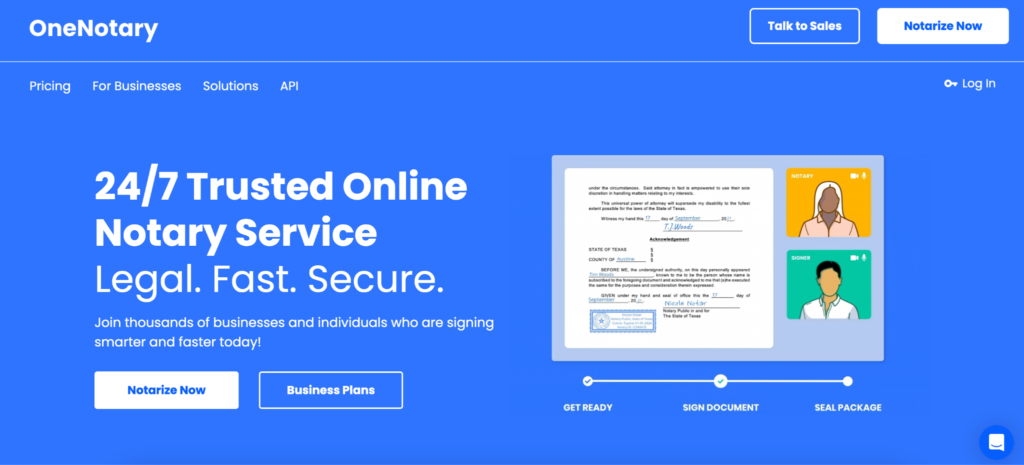
OneNotary is structured in a way that allows notarization to sit inside existing workflows rather than outside of them.
Instead of requiring users to move between systems, it can be integrated directly into platforms where documents are already being handled.
That reduces the need for manual steps and keeps everything in one flow.
What supports that in practice:
- API-first infrastructure that allows notarization to be embedded into existing systems
- White-label options that remove the need for separate user experiences
- Document processing that happens within the same workflow instead of outside it
- Consistent session structure that doesn’t require additional coordination
This approach works well in industries like financial services, real estate, and legal operations, where notarization is just one step in a larger process.
2. DocuSign Notary
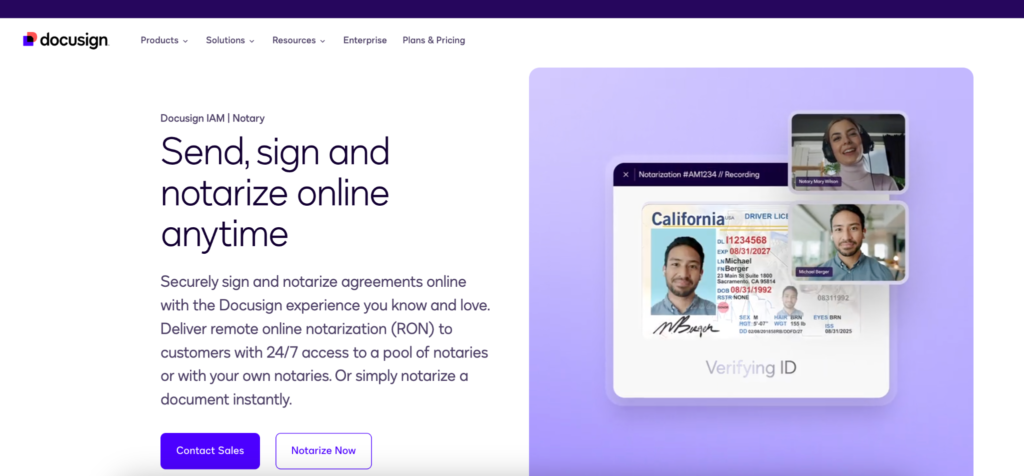
DocuSign Notary works best in environments where document signing is already centralized. Instead of introducing a new tool, notarization becomes part of the same system.
That reduces the number of transitions between steps.
What that changes:
- Documents move from signing to notarization without switching platforms
- Users stay within the same interface throughout the process
- Workflows remain consistent across different document types
- Teams don’t need to manage separate systems for related tasks
This is especially relevant for organizations that already rely heavily on DocuSign.
3. Notarize (Proof.com)
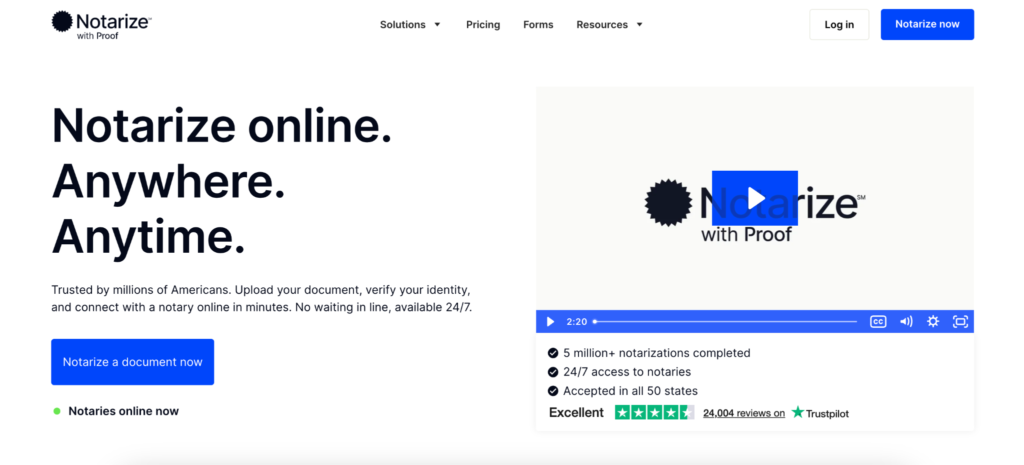
Notarize is often used in environments where notarization needs to connect with other business tools.
The platform supports integrations that allow documents to move through different stages without being handled manually at each step.
That makes it easier to include notarization in ongoing operations rather than treating it as a separate task.
What that looks like in practice:
- Documents can be uploaded and processed as part of a larger workflow
- Sessions follow a consistent structure that works across different use cases
- Integration options support connections with document management systems
- Notarization can be triggered as part of existing processes
The system fits into workflows where notarization is repeated regularly and needs to stay connected to other steps.
4. BlueNotary

BlueNotary is often used by teams that want more direct control over how notarization fits into their operations.
Its API-driven approach makes it easier to build notarization into internal tools instead of relying on a separate interface.
What that enables:
- Embedding notarization into custom workflows
- Managing sessions as part of internal systems
- Adapting the process to match how the business operates
- Handling repeat notarizations without starting from scratch each time
This is useful for teams that already have structured workflows and want notarization to align with them closely.
5. NotaryCam
NotaryCam is often used in workflows that involve more complex transactions.
In these cases, notarization needs to fit into processes that already include multiple steps, approvals, and participants.
The platform supports that structure rather than simplifying it too much.
What it helps with:
- Handling notarization within multi-step business processes
- Supporting transactions that involve several participants
- Maintaining structure across more detailed workflows
- Integrating with systems used in real estate and legal operations
This makes it easier to include notarization without disrupting how the process is already organized.
6. NotaryLive

NotaryLive focuses on keeping the process simple enough to fit into existing workflows without adding complexity.
It doesn’t try to introduce additional layers or advanced configurations. Instead, it follows a straightforward structure that can be repeated easily.
What that looks like:
- Quick session setup without extensive configuration
- Predictable flow that doesn’t require additional guidance
- Minimal steps between document upload and completion
- Ability to handle repeated use without changes to the process
That simplicity can be useful when the goal is to keep notarization lightweight within a larger system.
Where Integration Usually Breaks Down
Problems don’t appear at the beginning. They show up after repetition. A team starts handling more documents. More people get involved. More systems are connected.
And suddenly, notarization doesn’t sit cleanly in the process anymore. Documents are handled twice. Status updates don’t match. Steps need to be repeated manually. That’s when the gap becomes visible.
Why Embedded Workflows Matter More Over Time
At small scale, separate tools are manageable. At larger scale, they become harder to maintain.
Every extra step adds time. Every manual action increases the chance of error. Every disconnected system creates more work for the team.
Embedding notarization into the workflow reduces those points of friction. It keeps everything in one place.
And over time, that makes a noticeable difference.
Where AI Fits Into Business Workflows
AI becomes useful when it reduces the amount of manual handling required. Not as a feature on its own, but as part of the process.
In practical terms, that includes:
- Preparing documents before notarization
- Identifying missing information early
- Reducing the need for corrections during sessions
- Improving how documents move through the system
These changes don’t alter the workflow. They make it easier to maintain.
What Actually Keeps Workflows Efficient
Efficiency doesn’t come from adding more tools. It comes from reducing the number of times a process needs to be handled manually.
The platforms that fit well into business workflows tend to:
- Connect directly to existing systems
- Follow the same structure as the rest of the process
- Avoid introducing unnecessary steps
- Support repeated use without extra setup
That’s what keeps everything moving.
When Notarization Stops Being a Separate Task
At some point, notarization either feels like part of the workflow or something outside of it. If it fits, it disappears into the process.
Documents move through without extra handling. Teams don’t need to switch context. The system holds together.
If it doesn’t, it becomes another step that needs to be managed.
And in business workflows, that difference becomes clear very quickly once volume starts to grow.